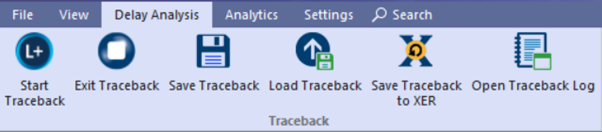
- Start Traceback: Select to start a traceback. For detailed steps see section Delay Analysis > Running a Traceback.
- Exit Traceback: Select to exit current traceback and load a new project or restart traceback for current project.
- Save Traceback: Saves the traceback session. Allows you to continue analysis from the same point in the future.
- Load Traceback: Loads traceback sessions previously saved.
- Save Traceback to XER: Saves traceback critical path to .XER format which can be imported into P6 for further analysis including what-if scenario analysis.
- Open Traceback Log: Exports traceback details to HTML file.
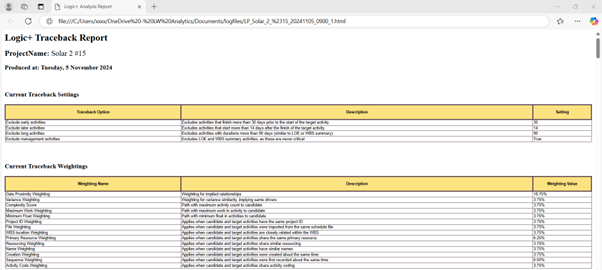
Provides full log details outlining the settings, traceback attribute weights, files and reasoning for excluding activities from critical path.
This detail provides an auditable reference that be used as a documented position to substantiate delay analysis reports and negotiations.
Traceback Report #
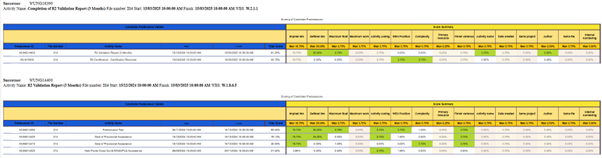
Traceback Report – Detailed Scoring of Candidate Predecessors: